Fill-in placeholders
Use placeholders so one macro asks for a name and adds the date automatically.
Placeholders let one macro fit many replies. This macro uses [$PROMPT:Name] to ask for a name and [$DATE] for the date.
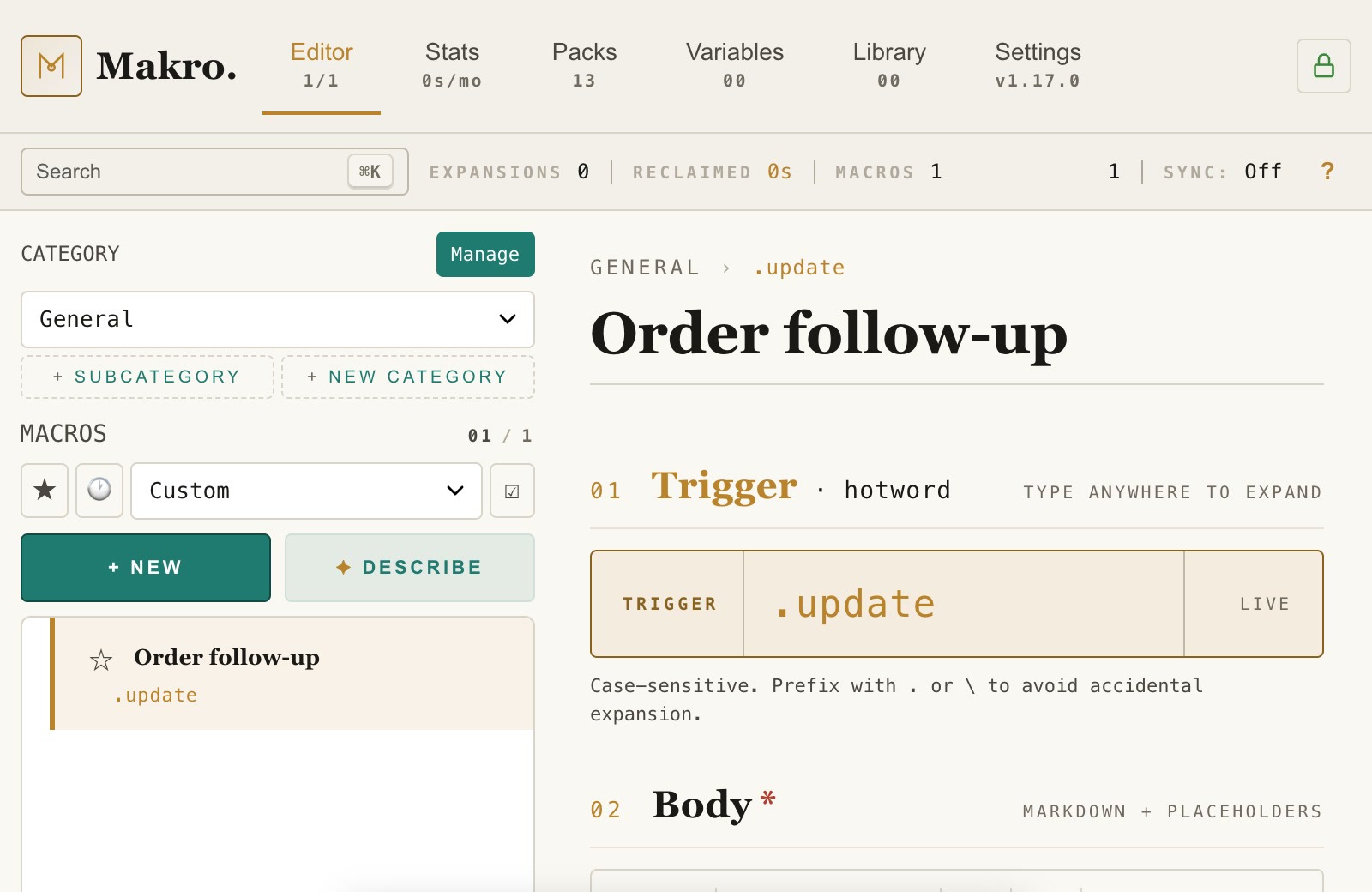
In a reply box, type the hotword, here .update.
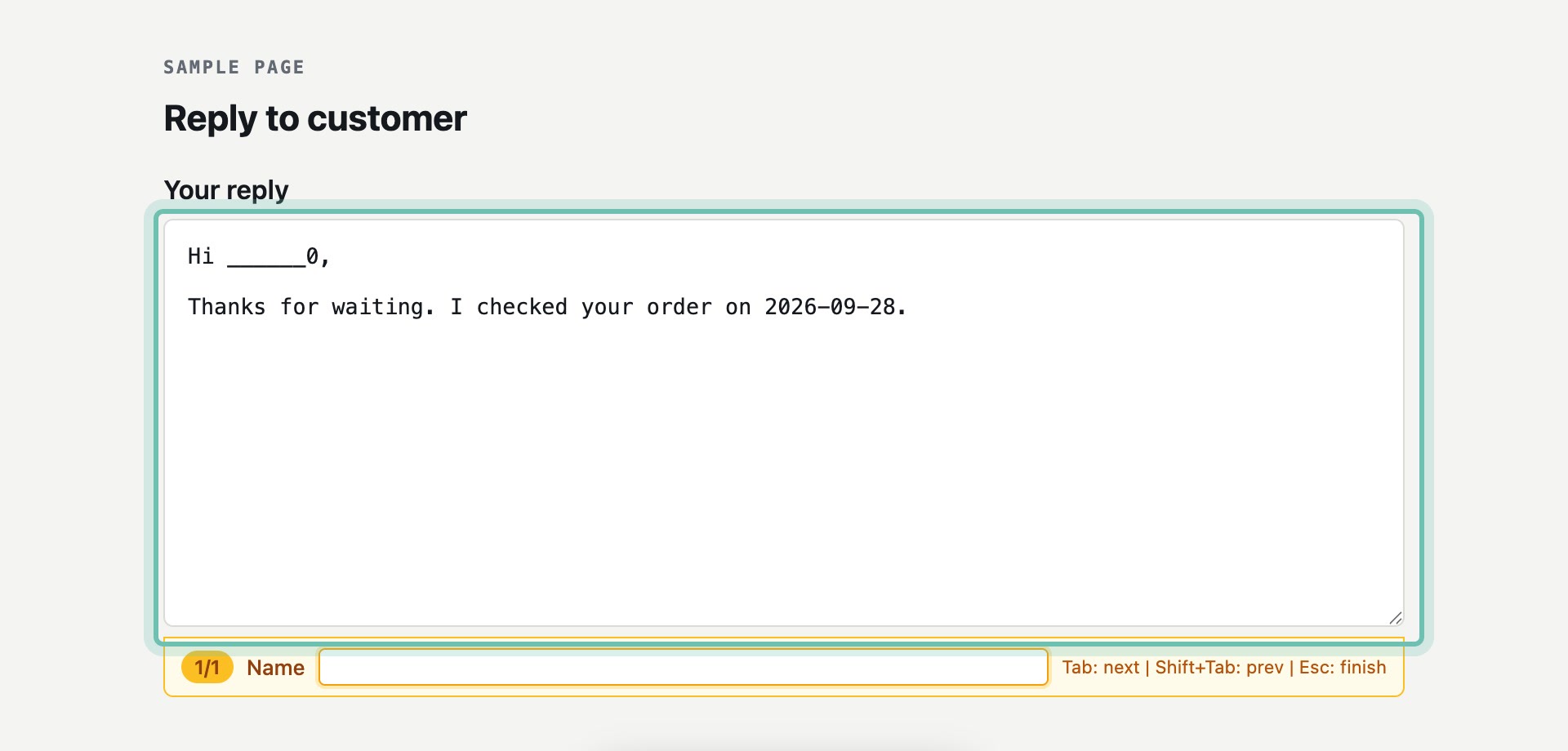
Makro stops at [$PROMPT:Name] and asks for the name. Type it and press Enter.
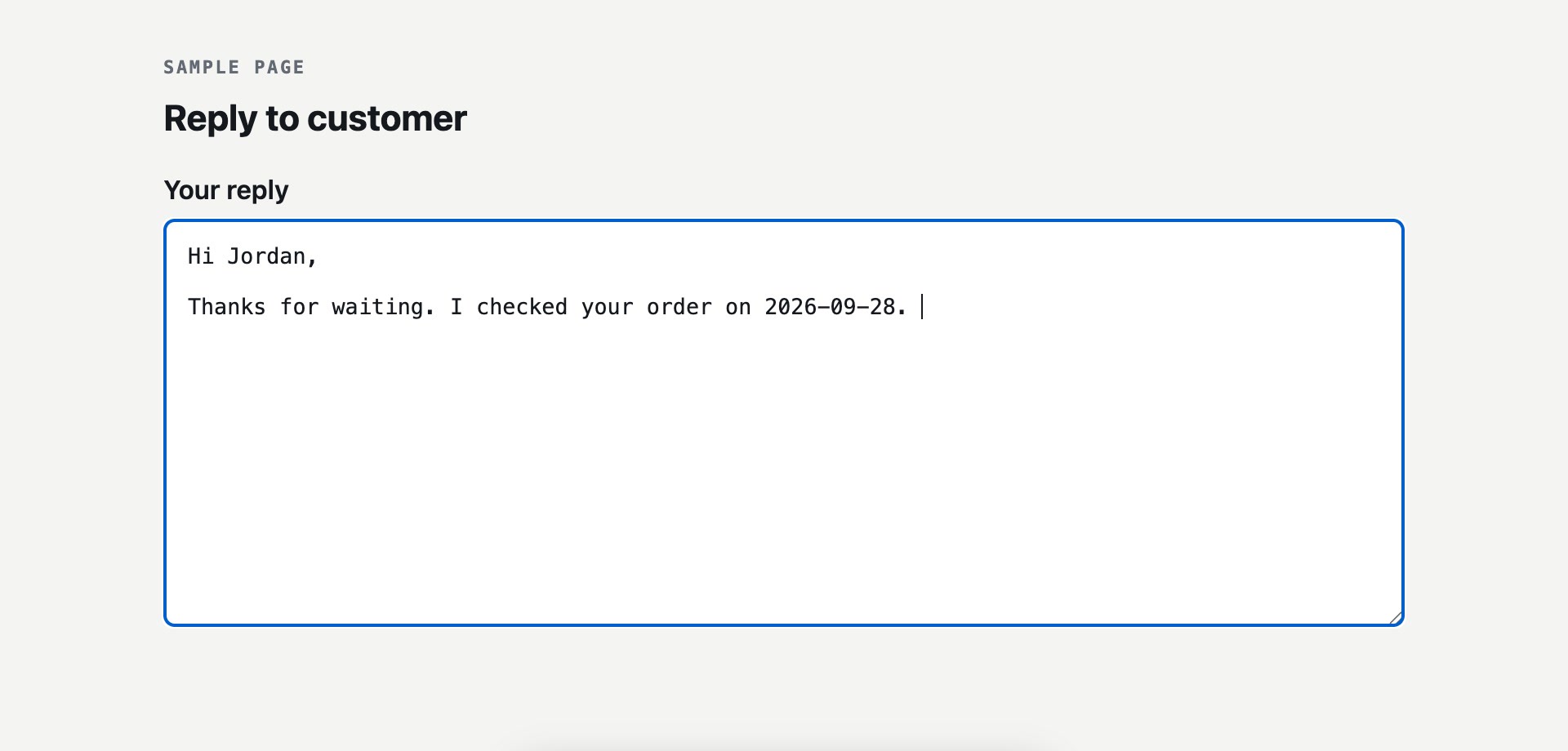
Once the name is filled in, keep typing to finish the reply.
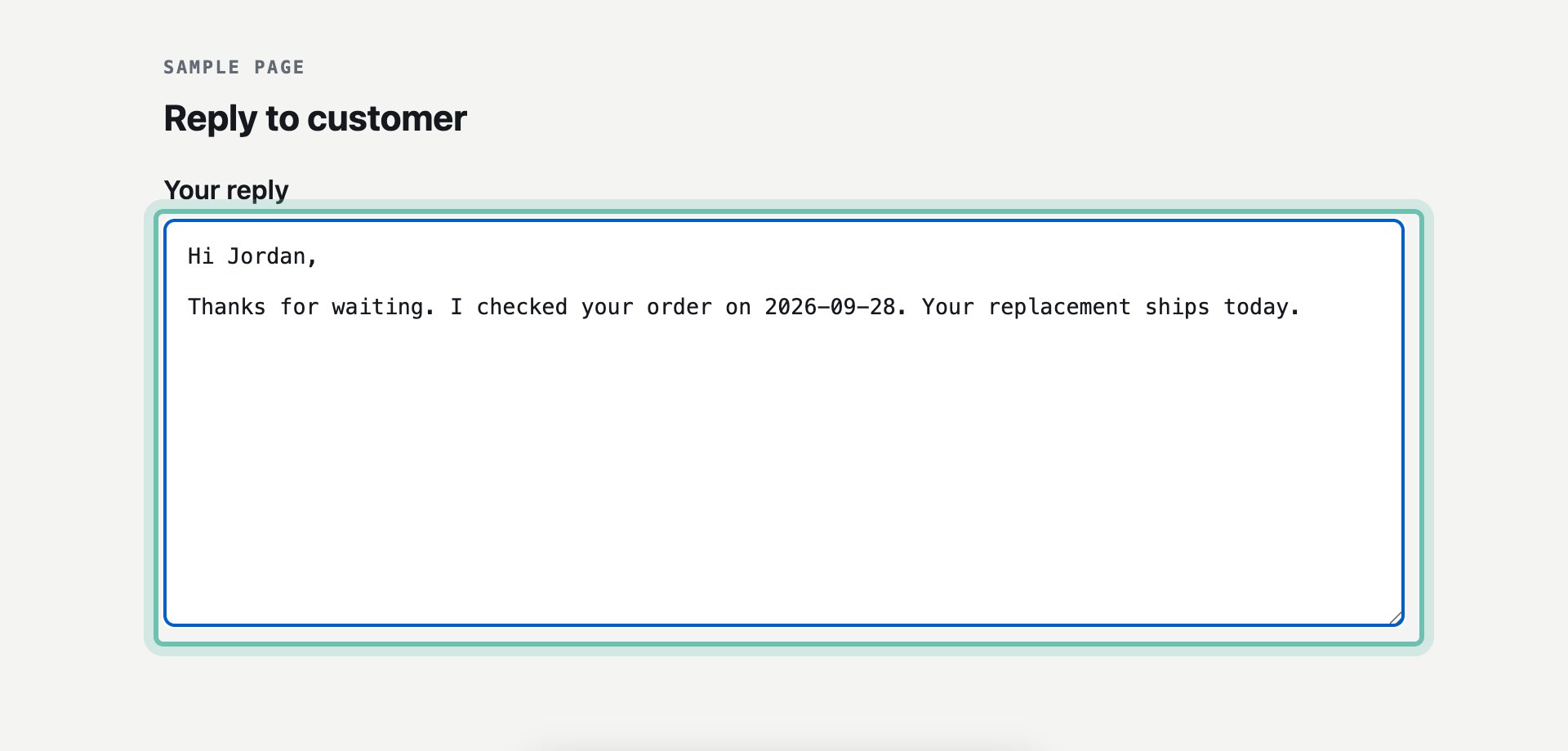
The name and today's date are in place, and the reply is ready to send.
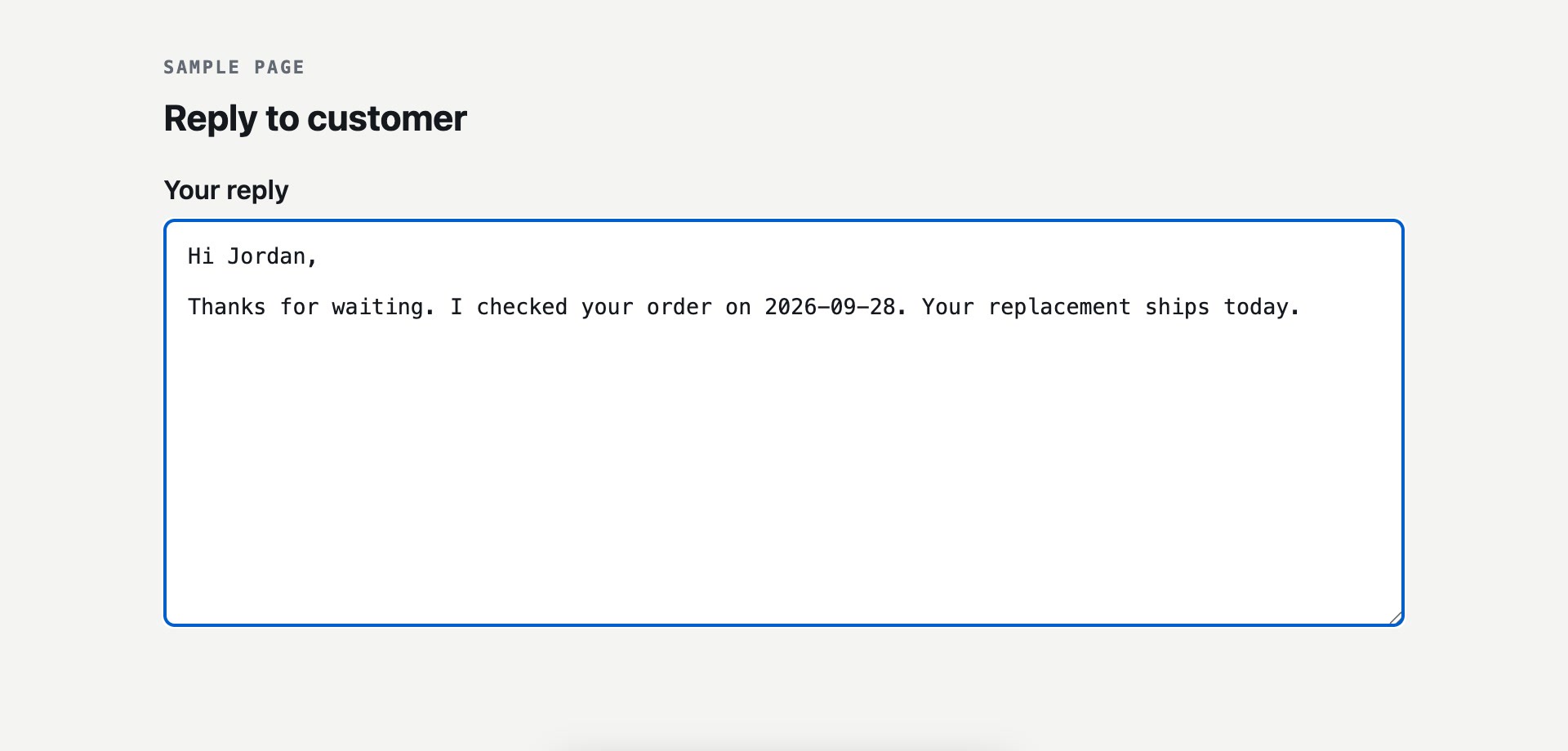
Placeholders used here
[$PROMPT:Name] asks for a value when the macro expands. [$DATE] inserts today's date. The full list is in the syntax reference at /learn.